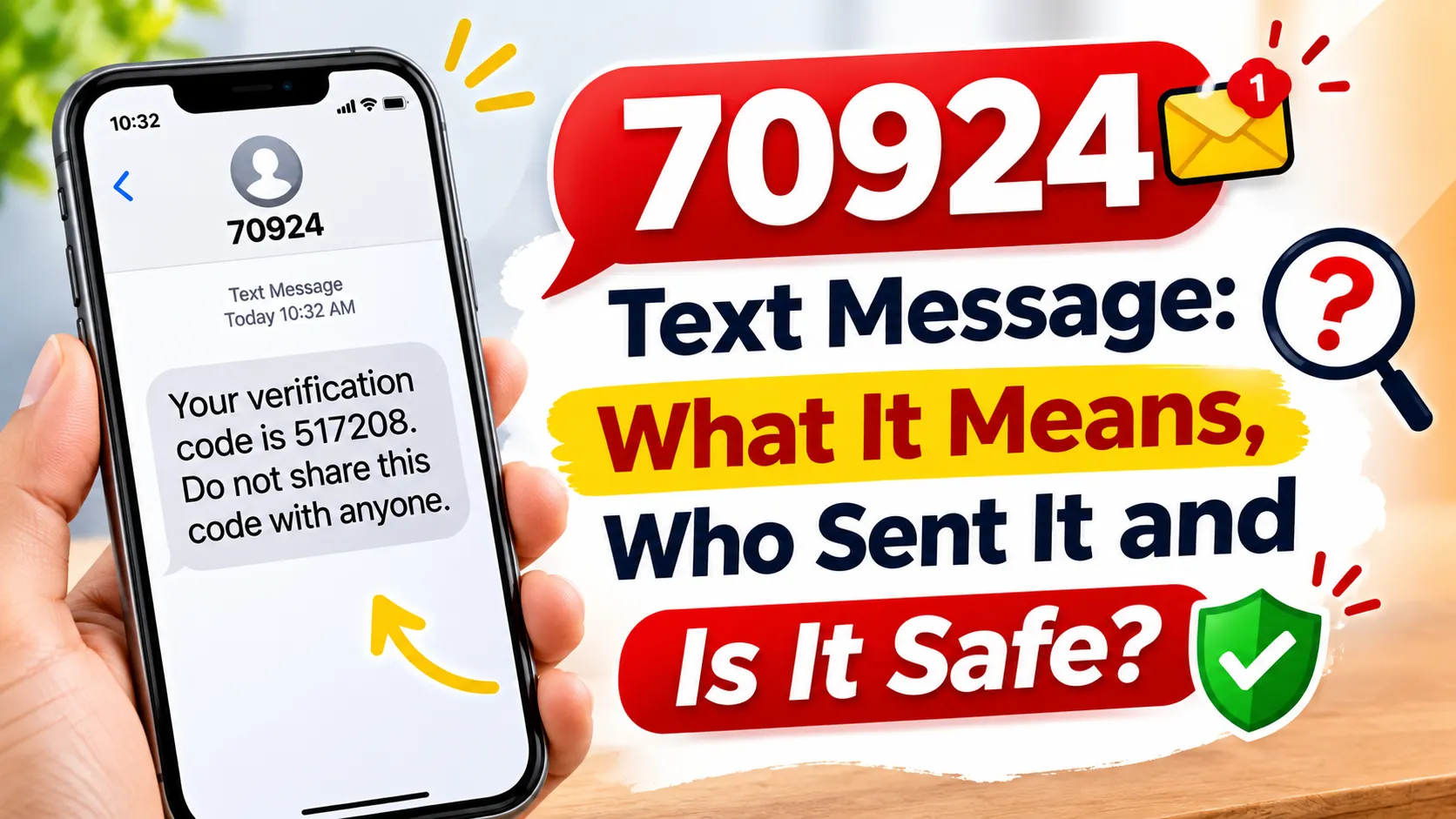
Have you received a text message from 70924 and wondered who sent it or why it appeared on your phone? Receiving an unexpected message from a five-digit number can raise questions, especially when it contains a verification code, account notification, promotional offer, or unfamiliar link. You may want to know whether the message belongs to a legitimate business, an automated messaging service, or a potential scam.
A five-digit sender number may be associated with SMS short-code messaging, which businesses and organizations use to communicate with customers. However, the number alone does not confirm the sender’s identity. In this guide, we explain what a 70924 text message could mean, why you might receive one, how to recognize suspicious messages, and what steps you should take to protect your personal information.
📱 What Is a 70924 Text Message?
A 70924 text message is a message that appears in your phone’s messaging application with 70924 displayed as the sender. Because it contains five digits, it has the format commonly associated with SMS short codes.
Businesses, online services, and automated messaging platforms use short codes to send different types of communications, including:
- Account verification codes.
- One-time passwords (OTPs).
- Login notifications.
- Appointment reminders.
- Transaction alerts.
- Promotional messages.
- Subscription updates.
- Customer service notifications.
However, the exact owner and purpose of 70924 cannot be established from the number alone. You should examine the message itself and verify any company or service it mentions before taking action.
🔍 Why Did I Receive a Text From 70924?
There are several possible reasons why 70924 appeared in your inbox. The message may relate to an online service you recently used, or someone may have entered your phone number while registering for an account.
Here are some common possibilities:
Verification request: You may have received a temporary security code after requesting a login or account verification.
Account registration: An online platform may have sent a confirmation message after someone entered your phone number during registration.
Password recovery: A service may have sent an authentication code after someone started a password-reset process.
Transaction notification: A business may use automated SMS messaging to communicate information about a payment or purchase.
Promotional communication: You may have received an advertisement, discount announcement, or marketing message.
Appointment reminder: A company or service provider may have sent a reminder about an upcoming appointment.
Incorrect phone number: Another person may have accidentally entered your number while completing an online form.
These are general explanations, not verified uses of 70924. The message content and independent sender verification are necessary to identify its actual purpose.
🔐 Is 70924 a Verification Code Number?
70924 may appear as the sender of a message containing a verification code, but there is not enough information to confirm that it belongs to a particular authentication provider.
Many websites and applications use SMS verification to confirm phone ownership. When someone signs in, creates an account, or resets a password, the service may send a temporary code to the registered phone number.
If you recently requested a code, check whether the message matches the service you were using.
If you did not request it, follow these precautions:
- Do not share the code with anyone.
- Avoid replying to unexpected requests.
- Do not click unfamiliar links.
- Check the security activity of the relevant account.
- Change your password if you notice suspicious account activity.
An unexpected verification code does not automatically mean someone accessed your account. It may simply mean that someone entered your number by mistake or attempted to begin a login process.
⚠️ Is 70924 a Scam or Legitimate Text Message?
A five-digit sender number is not automatically a sign of fraud. Legitimate businesses use SMS short codes, but scammers also use text messages to imitate trusted organizations and trick people into sharing sensitive information.
The safest approach is to examine the message rather than assume it is trustworthy because of its sender number.
Watch for these common warning signs:
- A message claims your account will be closed immediately.
- It asks you to share a password or verification code.
- It includes an unfamiliar website link.
- It requests banking or credit card information.
- It promises a prize you never entered to win.
- It demands an unexpected payment.
- It contains unusual spelling or suspicious wording.
- It pressures you to act without giving you time to verify the information.
A genuine company should not ask you to reveal your password or one-time security code through an unexpected text conversation.
If the message claims to represent a bank, retailer, or online platform, contact that organization using its official website or application.
📨 What Should You Do After Receiving a 70924 Text?
Your response should depend on whether you recognize the message and expected the communication.
If you recently requested an OTP, use it only on the official website or application where you initiated the process. If the message is unfamiliar, avoid clicking links or sharing personal information.
Follow these steps to handle the message safely:
- Read the message: Check whether it mentions a company, service, account, or transaction.
- Review recent activity: Think about whether you recently signed up for a website or requested a password reset.
- Verify the sender: Find the organization’s official contact information independently.
- Protect your codes: Never give a verification code to another person.
- Avoid suspicious links: Do not open unfamiliar websites from unexpected messages.
- Report spam: Use your phone’s reporting feature or your carrier’s spam-reporting service.
- Monitor your accounts: Check for unfamiliar login attempts or transactions.
If the message does not provide a clear explanation, you do not need to respond to it.
🔗 Should You Click Links From 70924?
You should not click an unfamiliar link from 70924 until you have verified the message. Fraudulent text messages sometimes contain phishing links that lead to fake websites designed to collect passwords, banking details, and personal information.
A message may look professional and still be fraudulent. Scammers often copy the language and branding of banks, delivery companies, retailers, and popular online services.
Before opening a link, check the following:
- Does the message identify a company you recognize?
- Were you expecting communication from that company?
- Does the website address match its official domain?
- Does the message request sensitive information?
- Does it create unnecessary urgency?
- Does it ask you to download an unfamiliar application?
If a message claims that your bank account has a problem, open your banking application directly. If it mentions a delivery, visit the carrier’s official website and enter your tracking information there.
Never rely on an unexpected text link to verify an important account issue.
🛡️ How to Protect Yourself From Suspicious Text Messages
Good digital security habits can help you avoid phishing attacks and unwanted SMS communication. You do not need advanced technical knowledge to protect your phone and online accounts.
Consider these practical precautions:
- Use strong, unique passwords.
- Enable two-factor authentication.
- Never share one-time passwords.
- Keep your phone’s software updated.
- Avoid downloading applications from unfamiliar links.
- Check website addresses before entering personal details.
- Use official customer support channels.
- Monitor important account notifications.
- Report suspicious messages.
- Avoid responding to unexpected requests for payment.
If you repeatedly receive suspicious texts, contact your mobile carrier to learn about available spam-blocking services.
📲 How to Block 70924 Text Messages
If messages from 70924 are unwanted, you may be able to block the sender through your phone’s messaging application. The available options depend on your phone model, operating system, messaging app, and carrier.
How to Block 70924 on iPhone
You can manage unwanted messages through the Messages app on an iPhone.
- Open the Messages application.
- Find the conversation from 70924.
- Open the conversation.
- Tap the sender information at the top.
- Look for the available blocking or reporting options.
- Follow the instructions displayed on your screen.
You may also have an option to report a message as junk, depending on your device and carrier.
How to Block 70924 on Android
Android users can usually block unwanted senders through Google Messages or their phone manufacturer’s messaging application.
- Open your Messages app.
- Find the conversation from 70924.
- Open the message thread.
- Tap the conversation menu.
- Select the available block or report option.
- Confirm your selection.
Some Android phones also provide automatic spam protection that can identify potentially unwanted messages.
Blocking a sender may not prevent every future message if the organization uses multiple sender numbers.
🚨 What If You Shared Personal Information With 70924?
If you entered sensitive information after following a suspicious message, take action immediately. The correct response depends on the information you shared.
If you shared your password: Change it through the official website or application. Update the password on any other account where you reused it.
If you shared an OTP: Secure the associated account, review recent login activity, and contact the service provider.
If you shared banking information: Contact your bank using its official phone number and report the situation.
If you shared card details: Ask your card issuer to review the account and determine whether you should freeze or replace the card.
If you shared personal information: Monitor your accounts and follow appropriate identity-protection guidance.
Keep screenshots of suspicious messages, sender details, and website addresses. This information may help your bank, service provider, or mobile carrier investigate the incident.
📩 How to Report a Suspicious 70924 Text Message
Reporting suspicious messages can help mobile carriers and relevant authorities identify unwanted communication.
You can start by using the spam-reporting feature in your messaging application. Some carriers also provide instructions for forwarding unwanted messages to their spam-reporting service.
In the United States, you can generally forward unwanted spam texts to 7726 (SPAM), where supported by your carrier.
You can also report suspected phishing or fraudulent communications to the appropriate organization. If a message claims to come from a bank, notify the bank through its official fraud-reporting channel.
Do not forward suspicious links to friends or family as a way of asking whether they are safe. Share screenshots without opening the links instead.
❓ Frequently Asked Questions About 70924 Text Messages
📱 What does 70924 mean in a text message?
70924 is a five-digit sender number displayed in a text message. It has the format commonly associated with SMS short codes, but the number alone does not identify the sender or explain the message’s purpose.
🔍 Who owns the number 70924?
The specific owner of 70924 cannot be reliably confirmed from the number alone. Check the message for an organization name and verify it through that organization’s official website or customer support channel.
⚠️ Is 70924 a scam number?
There is not enough verified information to classify 70924 as a scam number. Evaluate the message for suspicious links, requests for passwords, unexpected payment demands, and other warning signs.
🔐 Why did I receive a 70924 verification code?
You may have received a verification code because you or someone else entered your phone number during a login, registration, or password-recovery process. If you did not request the code, do not share it with anyone.
📩 Should I reply to a text from 70924?
Do not reply until you understand who sent the message. If it is an unwanted or suspicious message, use your phone’s reporting tools instead. Only follow unsubscribe instructions after verifying that the message comes from a legitimate service.
🔗 Can a 70924 text message contain a phishing link?
An unexpected text message can contain a phishing link regardless of the sender number. Avoid opening unfamiliar links and visit the claimed organization’s official website independently.
🚫 How do I stop messages from 70924?
You can try blocking the sender through your phone’s messaging application. You may also report the message as spam or contact your mobile carrier for additional filtering options.
📲 Can someone access my account using a code sent from 70924?
If a message contains an authentication code, someone may try to use it to complete an account login or recovery process. Never share the code, and secure the relevant account if you notice unfamiliar activity.
💳 Should I contact my bank after receiving a 70924 message?
You do not need to contact your bank simply because you received a message from an unfamiliar short code. However, if the message mentions a suspicious transaction or you shared financial information, contact your bank through its official channel.
🛡️ Is it safe to ignore a 70924 text message?
If you do not recognize the message and it does not relate to an activity you initiated, you can avoid interacting with it. Do not click its links or share information. Report it if it appears suspicious.
🌟 Conclusion
A 70924 text message may come from an automated SMS communication system, but its exact sender and purpose cannot be established from the five-digit number alone. It could relate to account verification, a service notification, a promotional message, or an unexpected registration attempt.
The best approach is to examine the message carefully and verify any claimed organization through its official channels. Avoid unfamiliar links, never share passwords or verification codes, and report suspicious communication when necessary. These simple precautions can help protect your phone, online accounts, and personal information.